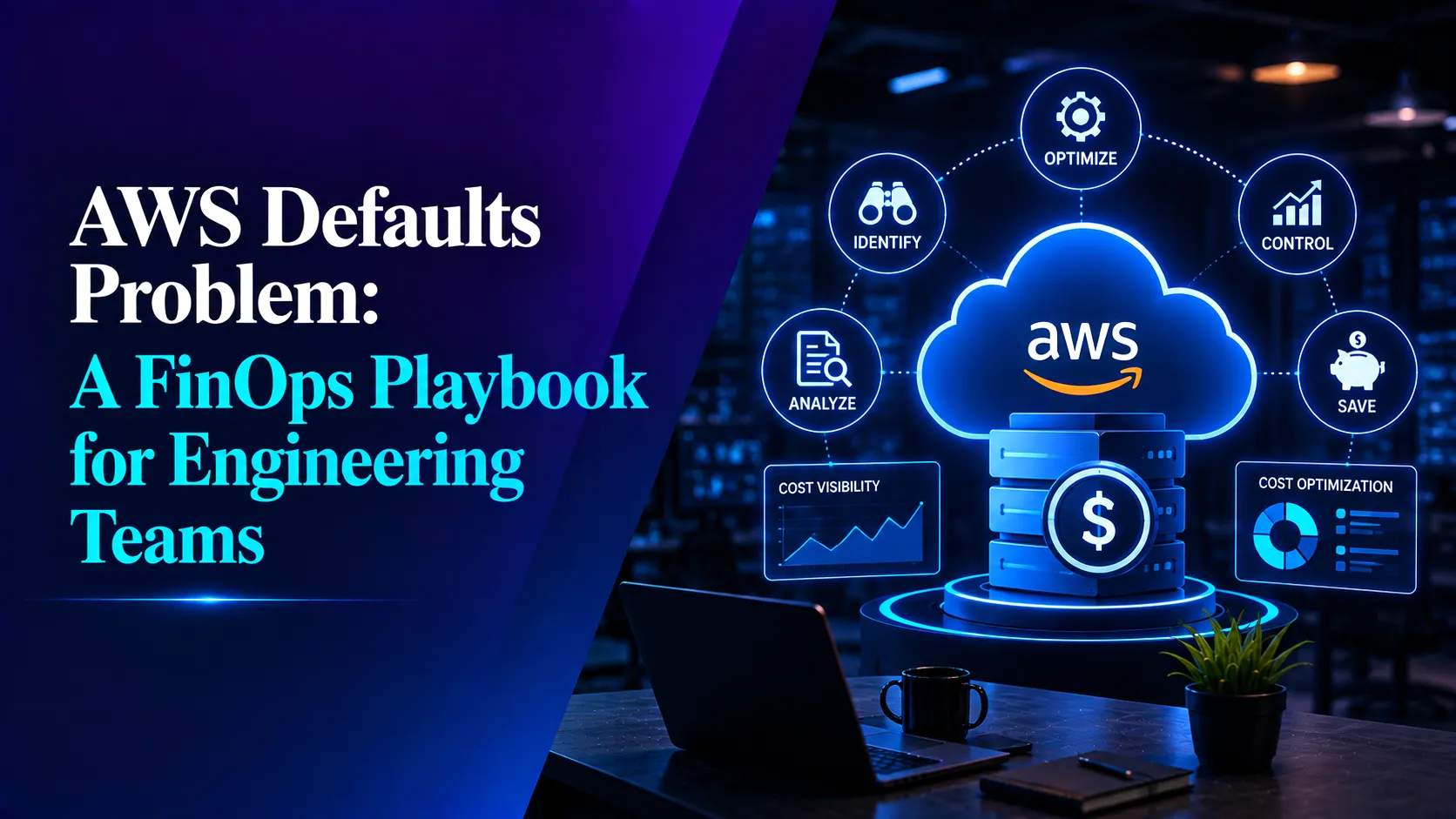

AWS doesn’t have a pricing problem. It has a defaults problem.
Every default in AWS is chosen for day-one convenience – get the resource up, get the demo working, ship the feature . Nobody is paged when a default quietly compounds into a five-figure line item eight months later. That’s the pattern behind almost every “why is our bill so high” investigation:
- T3 and T4g instances default to Unlimited credit mode – an undersized workload bursts past its baseline and racks up surplus charges no one is watching for.
- Auto-assign public IP is on by default, leaving a ~$3.65/month charge on every instance whether it’s actually reachable from the internet or not.
- S3 buckets provisioned without a lifecycle policy keep cold, unread data at hot-storage rates indefinitely.
None of these are AWS “gotchas.” They’re reasonable defaults for a proof of concept that nobody revisited once the workload became production.
This playbook covers the full FinOps discipline – visibility, rightsizing, commitments, Spot, storage and data transfer and closes with a deep dive into the single cleanest example of the pattern: CPU credits.
Everything below rests on one premise: you cannot optimize what you cannot see.
Tagging: The Price of Visibility
An untagged resource is invisible waste. Nobody owns it, nobody deletes it, and it bills the account every month, potentially for years.
Do this:
- Define a mandatory tag schema – Environment, Team, Application, Owner, CostCenter. Five tags, not fifty.
- Enforce it with Organizations tag policies and SCP conditions on supported resource types.
- Kill drift at the source with an EventBridge + Lambda auto-tagger that stamps every new resource with creator, date, and account at creation time.
- Track untagged% as a weekly KPI. Under 2% is healthy. Above 10% means your cost allocation is fiction.
Build the Visibility Pipeline First
- Ingest the Cost & Usage Report (CUR) into your own store – Athena or ClickHouse. Cost Explorer is built for humans clicking around; the CUR is built for automation.
- Use AWS Budgets as tripwires and anomaly detection as the real alarm. Budgets tell you at month-end. Anomaly detection tells you on day two.
- Distinguish one-time spikes (a pentest, a migration) from step changes (a new resource class, a rightsizing miss that never gets corrected). Spikes are noise. Step changes compound.
Rightsizing: Profile Before You Pick
The most common EC2 mistake isn’t choosing the wrong instance family — it’s sizing off a bad sample. A workload profiled for ten minutes on a random Tuesday gets permanently sized for that Tuesday’s peak, then runs 24/7 at 15% utilization for the next two years.
- Review average vs. peak CPU/network on a rolling 30-day window, every month. Below ~20% average CPU on a fixed-performance instance is a signal to downsize one or two sizes.
- Consistently above baseline on a burstable instance means the wrong family was chosen, not the wrong size – see the CPU credits deep dive below.
- Graviton-compatible workloads get up to ~40% better price-performance. Default new deployments to t4g / m6g / c6g / r6g unless there’s a hard x86 dependency.
Commitments: Pay Less for What You Already Do
- Savings Plans should cover roughly 70–80% of your stable baseline — the always-on floor of your compute. Let commitments cover the floor; let autoscaling — not over-provisioning — handle the variance above it.
- Track both coverage and utilization on every commitment. An unconsumed commitment is worse than no commitment at all.
- Start broad with 1-year Compute Savings Plans, then layer 3-year EC2 Instance Savings Plans onto your most predictable, stable workloads.
Spot for Anything That Can Die Gracefully
- Stateless web tiers, batch processing, CI runners, EKS/Karpenter workloads – all strong Spot candidates at 60–90% off on-demand pricing.
- Diversify instance families and capacity pools, and design workloads for interruption (checkpointing, graceful drain) rather than trying to design around it.
- Critical: run Spot-backed burstable instances in Standard credit mode. Short-lived Spot instances never live long enough to earn credits before bursting – more on why this matters below.
Storage Hygiene: The Compounding Leak
EBS
- Default to gp3 — roughly 20% cheaper than gp2, with 3,000 IOPS / 125 MB/s included at no extra charge.
- Run a weekly sweep for unattached volumes. A stopped instance’s disk keeps billing forever if nobody notices.
S3
- Every bucket needs a lifecycle policy or Intelligent-Tiering from day one. “We’ll script it later” turns into two years of Standard-rate storage on data nobody reads.
Snapshots
- Orphaned AMIs and old snapshots are the classic audit finding – both financially and as a data-exposure risk. Put them on an archive-or-delete schedule.
Data Transfer: The Line Item Nobody Owns
This shows up on the bill as “EC2-Other” or “Data Transfer,” and it rarely has a clear owner:
| Pattern | Cost | Fix |
|---|---|---|
| Instances → S3/DynamoDB via NAT Gateway | ~$0.045/GB processing + ~$32/mo/NAT | Gateway VPC endpoints — free |
| Cross-AZ chatter | $0.01/GB each direction | AZ-aware routing |
| EC2 egress to internet | ~$0.09/GB | CloudFront — caching cuts origin bytes at equal-or-better egress rates |
| Public IPv4 per instance | ~$0.005/hr | Kill auto-assign; use private subnets + endpoints |
A chatty microservice pushing 100 GB/day through a NAT Gateway to reach S3 costs roughly $135/month for traffic a free Gateway endpoint would carry for nothing. Multiply that by every service running the same pattern.
Where Cost, Security and Performance Overlap
Some decisions pay off in more than one domain at once. These are worth prioritizing first:
| Decision | Cost | Security | Performance |
|---|---|---|---|
| Gateway VPC endpoints | NAT fees → $0 | Traffic stays on the AWS backbone | More consistent latency |
| Kill the bastion, use SSM | −1 EC2 instance | No open port 22; sessions logged | Faster incident access |
| Private subnets, no auto-assign public IP | −$3.65/mo/instance | Sharply reduced attack surface | — |
| CloudFront in front of origin | Cheaper egress, lower origin load | Shield + WAF integration | Global edge caching |
| Delete idle assets | Direct savings | Smaller exposure surface | Cleaner inventory |
| Graviton defaults | 20–40% better price-performance | — | Often better absolute performance |
| Tagging enforcement | Cost allocation | Ownership for incident response | Inventory accuracy |
| Autoscaling | Pay for load, not peak | Smaller footprint | Scales ahead of pain |
Our companion post covers the security and performance side of these same decisions in depth: “AWS Security & Performance: The SecOps + Engineering Playbook.”
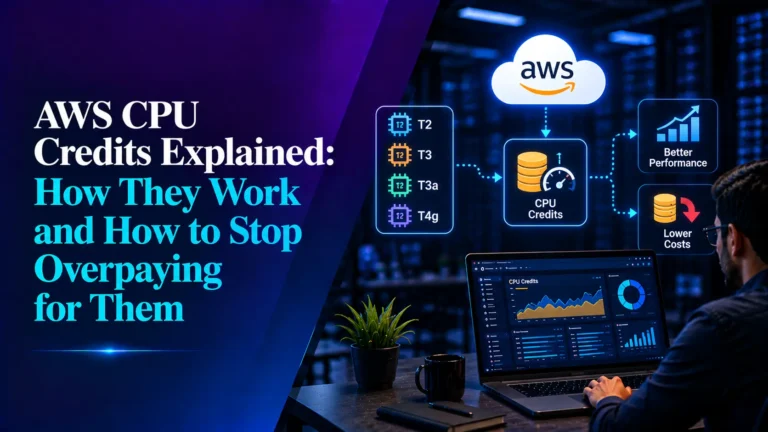
Dive: CPU Credits — The Default That Bills You Later
This is the cleanest example of the whole playbook’s thesis in miniature: a reasonable default, a silent failure mode, and a fix that takes minutes once you know which metrics to watch.
The mechanism
Burstable instances — T2, T3, T3a, T4g, across EC2, RDS, and DAX — trade a low hourly price for a capped baseline CPU allocation per vCPU. Run below baseline and the instance earns credits. Run above baseline and it spends them. One credit equals one vCPU at 100% utilization for one minute. A t3a.medium with a 20% baseline gets roughly 0.4 vCPUs of sustained capacity; everything beyond that is financed in bursts.
The two credit modes
- Standard – burst only while credits are banked; once the balance hits zero, the instance throttles to baseline. This isn’t a crash, which is what makes it dangerous — it shows up as cascading timeouts that are hard to trace back to the actual cause. T2 defaults to this mode.
- Unlimited – burst indefinitely on borrowed “surplus” credits. This is free within a 24-hour rolling window, but once average utilization exceeds baseline, surplus is billed at roughly $0.05/vCPU-hour (T3, us-east-1). T3, T3a, and T4g all default to Unlimited and that default is the hidden cost this section is about.
The metrics that actually matter
- CPUCreditBalance – credits currently banked
- CPUCreditUsage – credits spent
- CPUSurplusCreditBalance – credits borrowed and not yet paid off
- CPUSurplusCreditsCharged – the one that maps directly to dollars
A rising trend on that last metric means the instance has outgrown the burstable category entirely.
Four classic traps
- Undersized in Unlimited mode. Baseline price plus a steady stream of surplus fees, which often ends up costing more than a properly sized M- or C-family instance would have in the first place.
- “Idle” instances that aren’t. Cron jobs, log shipping, and health checks that burn just enough CPU to prevent credit accumulation before real traffic even arrives.
- Spot in Unlimited mode. Short-lived Spot instances burst almost immediately and never accumulate a credit balance, they go straight to surplus billing. Use Standard mode for anything running on Spot.
- Stop/start cycles. Credits persist for about seven days after an instance stops, then vanish. A restart after that window begins at a zero balance, with no burst capacity until credits rebuild.
The fix
Alarm on CPUSurplusCreditsCharged per instance. Compare baseline against actual average utilization monthly – consistently running above baseline is a signal to change instance family, not just size. Use Unlimited deliberately for customer-facing production workloads, and Standard for Spot, batch, and anything short-lived. Tag burstable instances separately so surplus charges show up as their own visible line item. For new workloads, default to T4g – same mechanics, cheaper baseline.
The Cost Priority List
| # | Action | Effort | Why |
|---|---|---|---|
| 1 | Tag policy + EventBridge auto-tagging | 1 day | Unlocks everything else |
| 2 | Idle-asset sweep — volumes, EIPs, old snapshots, idle load balancers | 2 hrs | Pure savings |
| 3 | S3 lifecycle policy / Intelligent-Tiering on every bucket | 1 hr | Permanent savings |
| 4 | Alarm on CPUSurplusCreditsCharged; Standard mode for Spot | 30 min | Catches the default trap live |
| 5 | Gateway VPC endpoints (S3, DynamoDB) | 30 min | Free; eliminates NAT fees |
| 6 | Graviton + gp3 as deployment defaults | Policy change | Compounds forever |
| 7 | Savings Plans to 70–80% of baseline, tracked monthly | Ongoing | Biggest single line-item reduction |
| 8 | S3 Bucket Keys on KMS-encrypted buckets | 10 min | Up to 99% off KMS request charges |
| 9 | CloudFront for egress-heavy workloads | Half-day | Cheaper egress + free Shield/WAF |
| 10 | Autoscaling with target tracking | Ongoing | Pay for load, not peak |
The Bottom Line
AWS doesn’t have a cost problem, it has a defaults problem. Every default is reasonable on day one and wrong by day two hundred. The teams with tight unit economics aren’t smarter or better funded than everyone else; they’ve simply built the habit of converting defaults into decisions, every tag enforced, every credit mode chosen deliberately, every idle resource deleted before it becomes background noise on the bill.
That surface area is too wide to watch manually. It’s why we built UnitEconPro: it ingests usage and inventory continuously, flags surplus-credit creep, idle assets, and rightsizing misses, and tracks every change that moves your bill, so the default trap catches itself before it becomes next month’s surprise line item.
Related Searches
- How Leading Telecom Enterprise Transformed Enterprise Analytics with Fractal GPT
- Real-Time Banking Data And AI-Powered Mule Detection with Confluent Platform
- Modernizing Healthcare Data Integration with Azure Event Hubs – OpsTree
- Top Generative AI Development Companies