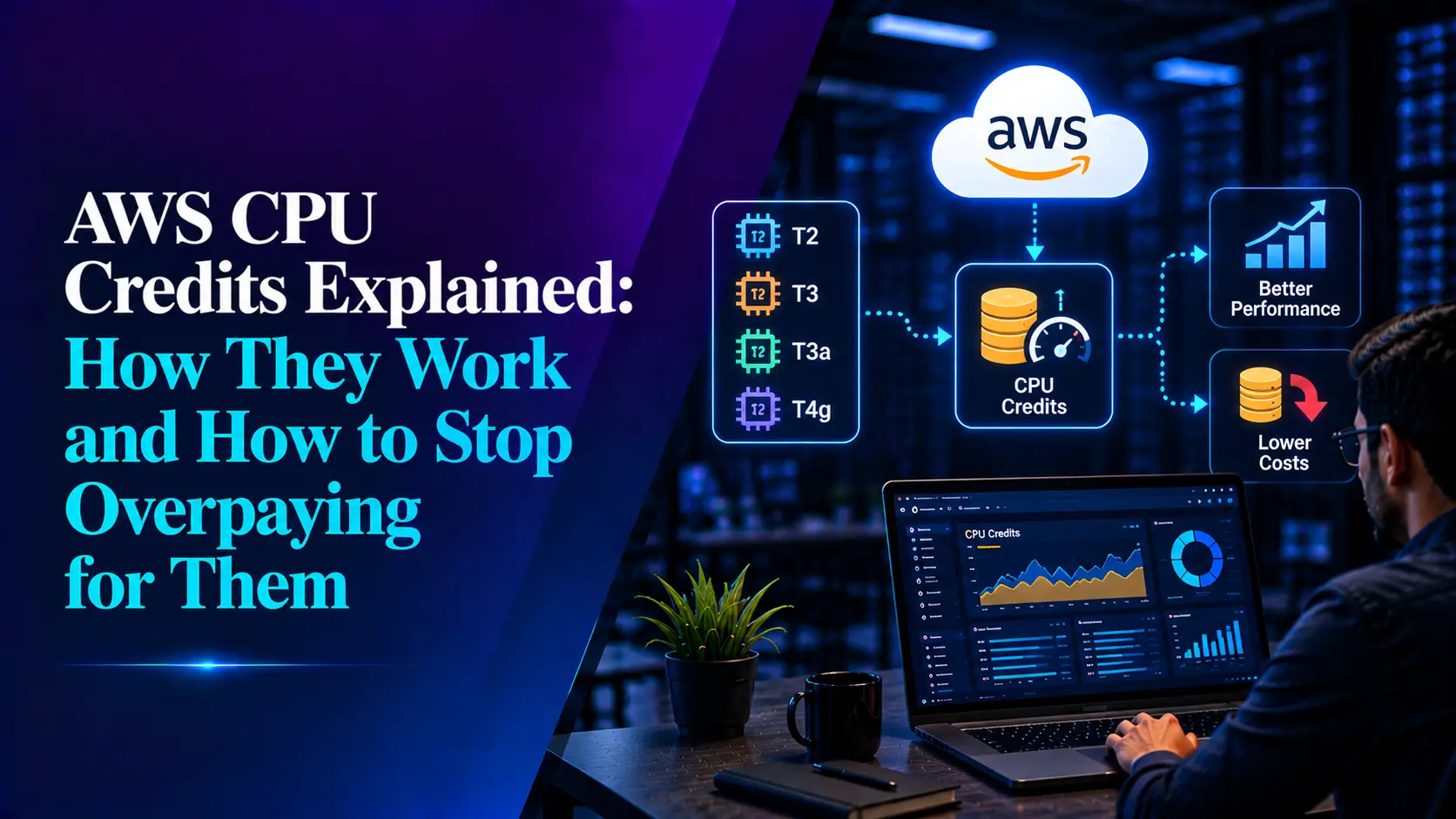

If you’re running T2, T3, T3a or T4g instances on EC2, RDS or DynamoDB Accelerator (DAX), you’re using burstable performance instances and that means CPU credits are quietly shaping both your performance and your bill. Most teams treat them as a black box until a surprise charge shows up in Cost Explorer. This post breaks down exactly how CPU credits work, where the hidden costs come from, and the concrete steps to keep them under control.
What Are CPU Credits?
Burstable instances are built on a simple trade-off: you get a low hourly price in exchange for a capped baseline level of CPU performance, with the ability to “burst” above that baseline when you need it. The mechanism that governs this bursting is the CPU credit.
- Each vCPU on a burstable instance has a baseline utilization percentage (for example, a t3.large has a 30% baseline per vCPU).
- When the instance runs below its baseline, it earns CPU credits.
- When the instance runs above its baseline, it spends credits to sustain that higher performance.
- One CPU credit equals one vCPU running at 100% utilization for one minute.
This is why a “2 vCPU” t3a.medium instance isn’t really giving you 2 full vCPUs of sustained compute at a 20% baseline, your actually guaranteed sustained capacity is closer to 0.4 vCPUs. The rest is burst capacity, paid for with credits.
Standard Mode vs. Unlimited Mode
Every burstable instance runs in one of two credit modes, and this is the single biggest factor in how CPU credits affect your bill.
Standard mode:
- The instance can only burst as long as it has accumulated credits.
- Once the credit balance hits zero, CPU performance is throttled back down to the baseline. The instance doesn’t fail, it just gets slower, which can be worse than a crash because it causes cascading timeouts that are hard to diagnose.
- T2 instances default to Standard mode.
Unlimited mode:
- The instance can spend “surplus” credits, credits it hasn’t earned yet- to keep bursting indefinitely.
- If average CPU utilization stays at or below baseline over a rolling 24-hour period, there’s no extra charge; the hourly instance price covers it.
- If average utilization exceeds baseline over that 24-hour window, you’re billed a flat surplus rate per vCPU-hour for the overage.
- T3, T3a and T4g instances launch in Unlimited mode by default.
This default is exactly where the hidden cost lives. Unlimited mode is genuinely useful, it prevents throttling and keeps applications responsive, but it also means an instance under sustained, higher-than-expected load will keep bursting and quietly accumulate surplus credit charges instead of just slowing down. Nobody gets paged for that; it just shows up as a slightly-too-high EC2 line item weeks later.
The Metrics That Actually Matter
If you want visibility into CPU credit behavior, these are the CloudWatch metrics to watch, per instance:
- CPUCreditBalance – credits currently banked and available to spend.
- CPUCreditUsage – credits spent in the period.
- CPUSurplusCreditBalance – surplus (unearned) credits spent that haven’t yet been paid back.
- CPUSurplusCreditsCharged – surplus credits that were not paid back within the 24-hour window and were actually billed.
That last metric is the one that maps directly to dollars. A rising CPU Surplus Credits Charged trend on an instance is the clearest early signal that it’s outgrown the “burstable” category and is now paying a premium for capacity it consistently needs.
Where the Hidden Cost Actually Comes From
- Undersized instances in Unlimited mode. A workload picked for a t3.micro because it looked cheap on paper, but that consistently runs above baseline, ends up paying baseline price plus a steady stream of surplus credit charges, often adding up to more than just picking a larger fixed-performance instance in the first place.
- Idle-looking instances that aren’t actually idle. Background jobs, cron tasks, log shipping or health checks that run just often enough to prevent credit accumulation, so the instance never builds a buffer and starts spending surplus credits during real traffic spikes.
- Spot Instances launched in Unlimited mode. Short-lived Spot Instances that burst immediately have no time to earn credits first, so they go straight to surplus charges. AWS explicitly recommends Standard mode for Spot Instances for this reason.
- Stopped-and-restarted instances losing credit balance. For T4g, T3a and T3 Standard-mode instances, the credit balance persists for seven days after stopping and is lost after that, so instances that are stopped and restarted on a longer cycle start from zero and burn through surplus credits during the ramp-up.
Cost Optimization Checklist
Do:
- Set a CloudWatch alarm on CPU Surplus Credits Charged per instance (or aggregated by instance family) so surplus billing shows up immediately instead of at month-end.
- Review baseline utilization vs. actual average utilization for each burstable instance monthly. If an instance is consistently running above baseline, right-size it, either to a larger burstable type or to a fixed-performance (M or C family) instance.
- Use Unlimited mode deliberately for production, customer-facing workloads where occasional bursts are expected and the cost of throttling is worse than the cost of the surplus rate.
- Use Standard mode for Spot Instances, batch jobs, and short-lived workloads that won’t have time to earn credits before bursting.
- Consider T4g (Graviton-based) instances where workloads support ARM – they carry the same credit mechanics but at a lower baseline hourly rate, which lowers both the fixed and burst cost profile.
- Tag and track burstable instances separately in cost allocation so surplus credit charges are visible as their own line rather than blended into general EC2 spend.
Don’t:
- Don’t leave Unlimited mode on by default for every instance without checking utilization patterns, it’s the right choice for some workloads and an expensive default for others.
- Don’t assume “burstable and cheap” for a workload you haven’t actually profiled. If average CPU consistently sits above baseline, a burstable instance is the wrong instance family, not just the wrong size.
- Don’t ignore CPU Credit Balance trending toward zero on Standard-mode instances, that’s a throttling event waiting to happen and it usually hits during your highest-traffic moments.
- Don’t stop-start burstable instances on irregular schedules without accounting for the seven-day credit expiry window.
The Bottom Line
CPU credits aren’t a flaw in AWS’s pricing model, they’re a deliberate trade-off that rewards workloads with genuinely bursty, mostly-idle usage patterns. The hidden cost only appears when that assumption breaks: when an instance is picked for its low sticker price but actually runs hot most of the time. The fix isn’t complicated, but it does require actually watching the right metrics instead of trusting the default configuration to do the right thing indefinitely.
At UnitEconPro, this is exactly the kind of pattern our cost ingestion engine is built to surface automatically, flagging instances with rising surplus credit charges before they become a recurring line item nobody remembers approving.
Related Searches
- How Leading Telecom Enterprise Transformed Enterprise Analytics with Fractal GPT
- Real-Time Banking Data And AI-Powered Mule Detection with Confluent Platform
- Modernizing Healthcare Data Integration with Azure Event Hubs – OpsTree