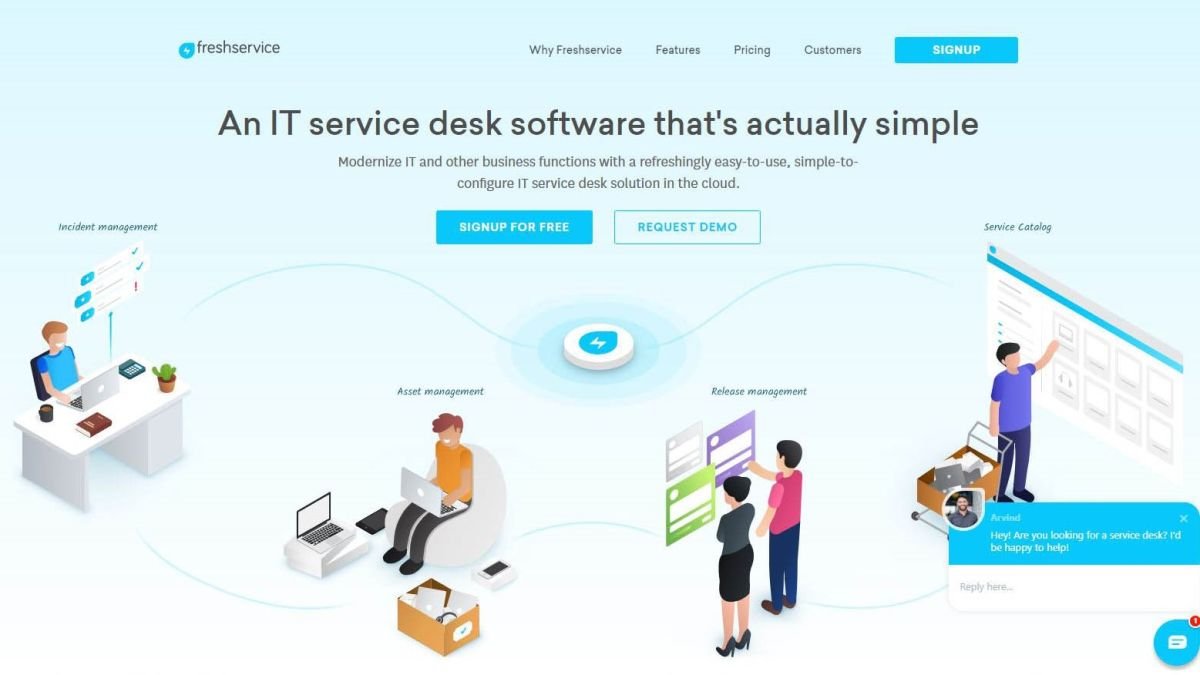
Fresh service is a ticketing tool mainly used for IT Support which not only includes Assets like Laptops, Routers, Desktops but also includes documentation, point of contact, etc. Fresh service provides an intelligent, right-sized service management solution for modern businesses of all sizes. It is easy to use, user-friendly tool.
Browser: Chrome or Firefox or Brave? (Sorry Edge! :p )
Social Media: Facebook or Instagram?
In our daily lives, we always have choices, which one to use.
That was a brief intro about what we are going to read today. Yes, choices!
In Jenkins, while defining parameters, we can mention whether it needs to be a string parameter, a choice parameter, etc. These parameters will work on the input that you are mentioning in your job while running it. For example, if you are asking the user to choose between options A or B, the user chooses the parameter, and then Jenkins runs the script with that parameter.
Kubernetes is one of the widely used orchestration tools for container application and container management. With a variety of features and options, it helps organizations remove manual intervention at every stage. With lots of requirements & scenarios, the user or any organization deals with lots of Kubernetes resources types options which leads to having proper knowledge of every Kubernetes resources type to fit specific or combination of resources with different scenarios that organizations generally require. To know more about different Kubernetes resource types, you can visit the official documentation provided by Kubernetes. Continue reading “Kubernetes: DaemonSet”
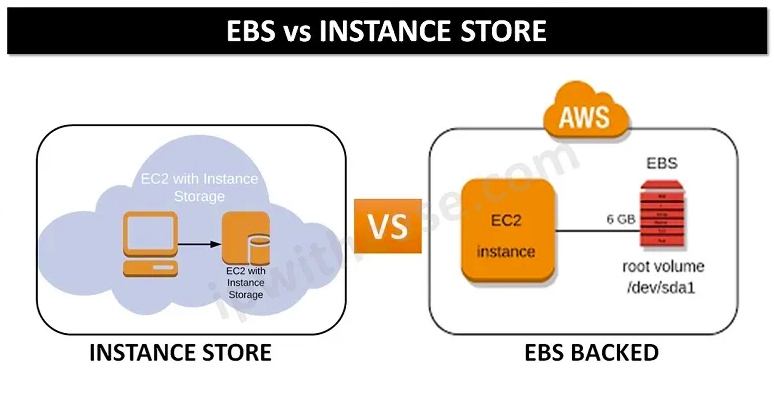
Amazon EC2 provides you with flexible, cost-effective, and easy-to-use data storage options for your instances. EC2 basically provides two types of block-level storage. Instances can either be launched with Elastic block storage volume (EBS volume) or Instance store-backed volumes as to their root volumes. Each option has a unique combination of performance and durability. But Aws recommends using EBS storage-backed AMIS as they get launched faster and provide persistent storage.
Instance Store (Ephemeral storage) vs EBS (Elastic Block Store)
The fastest way to debug a Bash script is to enable debug mode. This prints each command before execution, helping you find problems.
In this tutorial, we’ll explore various techniques for debugging Bash shell scripts. Although the Bash shell doesn’t have a built-in debugger, we can effectively use certain commands and constructs to aid in this process. First, we’ll understand how to use the set command for script debugging. Next, we’ll discuss specific uses of the set and trap commands. Finally, we’ll outline some strategies for debugging a script that’s already running.
What is Shell?
The UNIX shell program interprets user commands which are either directly entered by the user, or which can be read from a file called the shell script or shell program. Shell scripts are interpreted, not compiled. The shell reads commands from the script line per line and searches for those commands on the system. Continue reading “How To Debug a Bash Shell Script?”